

Download DreamAi – AI image generator, AI art, AI tools, AI generator, AI artwork, AI design, AI content creation, AI visuals, AI graphics, AI image maker
Overview
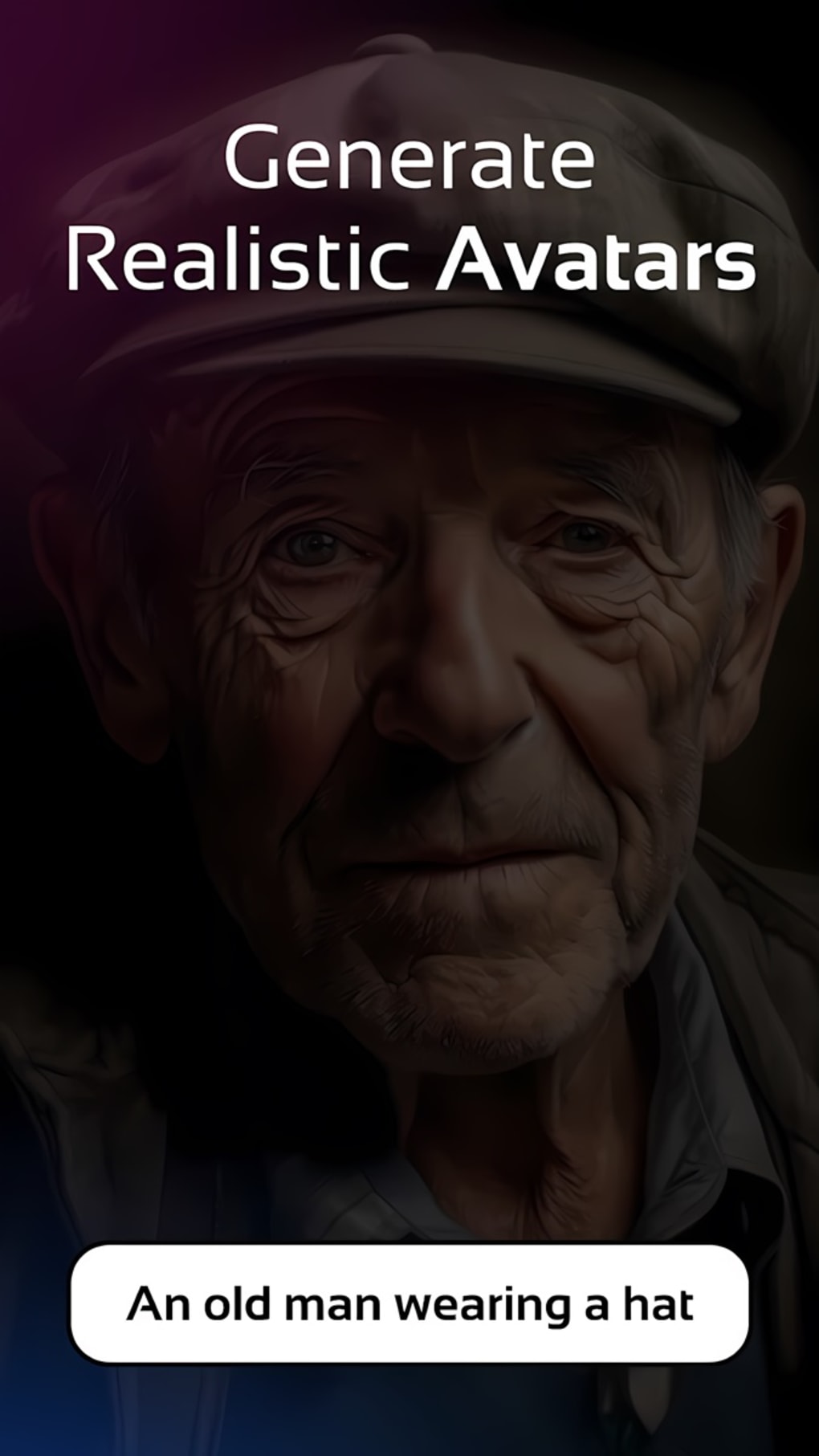
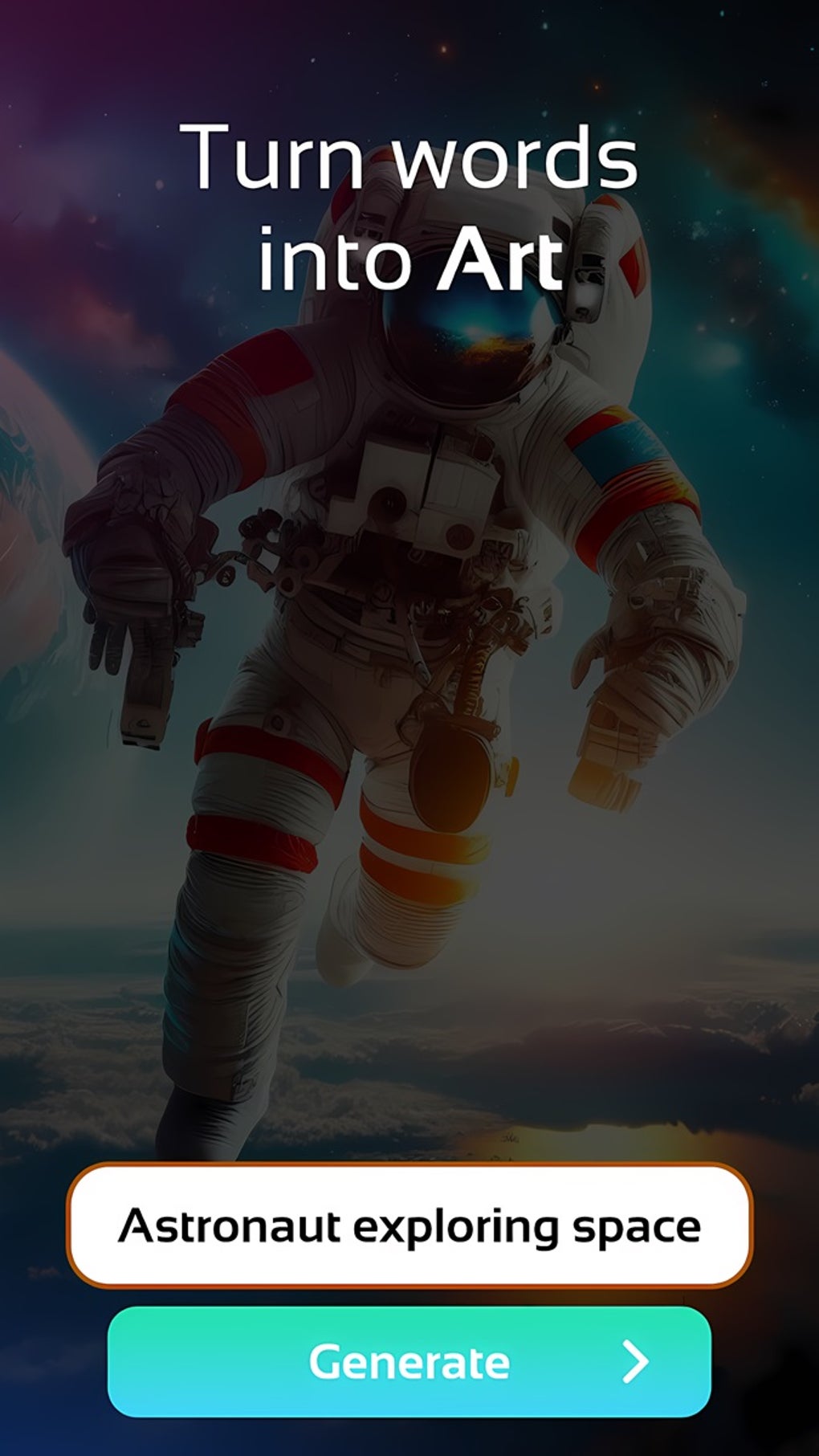
DreamAi is a freemium multimedia application developed by ApniAPPS, designed to harness artificial intelligence for creative visual content generation. The software functions as an AI image generator and editor, enabling users to transform textual descriptions into original visual art, including hyperrealistic images, anime-style illustrations, and stylized designs. It aims to streamline graphic design workflows by automating time-consuming tasks, making it accessible to both professional designers and individuals without advanced artistic skills. The tool supports a range of creative applications, including social media visuals, promotional banners, device mockups, and artistic experimentation.
Target users include digital artists, content creators, marketers, and hobbyists seeking to generate unique visuals quickly. Its cross-platform availability across Windows and Mac systems supports flexible, device-agnostic workflows. The app’s core value lies in democratizing access to high-quality AI-driven design tools, allowing users to explore diverse artistic styles and perspectives. While the basic version is free, advanced features are restricted to premium subscribers, which may influence long-term usability for power users. The developer did not provide additional details about the company’s background or development philosophy.
Key Features & Capabilities
- AI Image Generation – Converts user-provided text prompts into original visual content, supporting a wide range of artistic styles such as hyperrealism, anime, surrealism, and more.
- AI Art Editor – Offers tools to refine generated images by adjusting style, color schemes, detail complexity, and composition to align with personal creative vision.
- Artistic Templates – Includes pre-designed templates for social media graphics, promotional banners, device mockups, and other common design needs, accelerating content creation.
- Style Remixing – Enables users to blend existing artworks and artistic styles, fostering innovation and dynamic visual experimentation.
- Cross-Platform Sync – Allows seamless access and synchronization of projects across multiple devices, supporting continuous creative workflows.
These features collectively empower users to generate, edit, and refine AI-driven visuals with minimal technical expertise. For example, a marketer can input a prompt like “a futuristic cityscape at sunset with neon lights” and receive a detailed image suitable for a campaign. Similarly, an artist can upload a reference image and apply a new artistic style using the remixing function. The editor’s customization options allow for precise control over visual output, ensuring results align with specific branding or aesthetic goals.
User Interface, Workflow & Performance
DreamAi features a user-friendly interface designed to accommodate users of all skill levels. The layout emphasizes intuitive navigation, with clearly labeled tools, a prompt input field, and a real-time preview window for generated images. Workflow efficiency is enhanced by a streamlined process: users enter a description, select a style or template, and generate the image with minimal steps. The interface supports drag-and-drop functionality for image uploads and template selection, reducing friction in the creative process.
Performance observations are based on general software behavior patterns. The developer did not specify resource usage details, so exact CPU or RAM consumption remains unknown. However, given the application’s 256 MB installation size, it is likely optimized for efficient operation on modern systems. Stability and responsiveness are expected to be consistent with similar desktop AI tools, though actual performance may vary based on hardware and network conditions. The app supports offline usage, allowing users to generate and edit content without an internet connection after initial setup.
Compatibility & System Requirements
DreamAi is compatible with both Windows and Mac operating systems, supporting a broad user base across desktop platforms. The software version is 1.2.3, with an installation size of 256 MB. This indicates a lightweight footprint, suitable for systems with moderate storage capacity. The developer did not provide additional system requirements, such as minimum processor speed, RAM, or GPU specifications.
Exact system requirements were not listed. Compatibility information was partially provided. Users are advised to ensure their system meets general desktop application standards to avoid installation or runtime issues. The app’s cross-platform design suggests it leverages modern development frameworks to maintain consistency across environments. No specific hardware acceleration or driver dependencies were mentioned.
Pros and Cons
Pros
- Intuitive interface suitable for beginners and professionals alike
- Supports diverse artistic styles and creative experimentation
- Offers time-saving templates for common design tasks
- Enables offline usage after initial setup
- Cross-platform synchronization for seamless workflow
Cons
- Advanced features require a premium subscription
- Resource usage details not disclosed
- System requirements not fully specified
- Dependent on AI model quality, which may vary by prompt
- Free version may limit creative output
FAQ Section
Is DreamAi available for Windows and Mac?
Yes, DreamAi is compatible with both Windows and Mac operating systems, allowing users to install and run the application on desktop platforms.
Is DreamAi a free software?
DreamAi is available as a free application with in-app purchases. While core features are accessible without cost, advanced tools and capabilities are restricted to premium subscribers.
Does DreamAi require an internet connection?
The app supports offline usage for generating and editing content after initial setup. However, some features may require an internet connection for AI model access or cloud synchronization.
Can I use DreamAi without a subscription?
Yes, users can access basic functionality without a subscription. However, full access to advanced AI tools, editing features, and premium templates requires a paid plan.
How often does DreamAi receive updates?
Regular updates are expected to improve performance, add new features, and enhance AI model accuracy. The latest version, 1.2.3, was released on May 10, 2024.
Final Thoughts
DreamAi stands out as a powerful, accessible AI image generator tailored for creative professionals and enthusiasts alike. Its blend of AI-driven content creation, intuitive design, and cross-platform functionality makes it a compelling choice for users seeking to simplify visual production. While the freemium model may limit full potential for casual users, the free tier offers meaningful value for experimentation and basic projects. The software’s ability to generate diverse visual styles, refine outputs through editing tools, and maintain workflow continuity across devices enhances its practical utility.
For designers, marketers, and content creators aiming to accelerate their creative process, DreamAi delivers a robust set of tools that bridge the gap between imagination and execution. The combination of AI innovation and user-centric design positions it as a strong contender in the growing AI content creation space. With its lightweight footprint and broad compatibility, it is well-suited for modern desktop environments.
Download DreamAi now





.png)

